
RapidRoster
Turn a participant list into fair, rule-aware groups — teams, events, shifts, classrooms, and more.
The problem
Manually building rosters is slow, and spreadsheets make the tradeoffs invisible.
-
schedule
Everything fights everything
Teammate requests, availability, roles, and skill balance all pull in different directions.
-
table
Rules can't be seen in cells
The spreadsheet can only hold names and numbers. The constraints live in your head.
-
replay
One change breaks three others
Move one person and you redo half the grid. Fairness becomes guesswork, and you never know what you traded off.
Why RapidRoster
RapidRoster lets organizers state tradeoffs as an explicit rule list — then finds placements that respect hard constraints and score best on the soft ones.
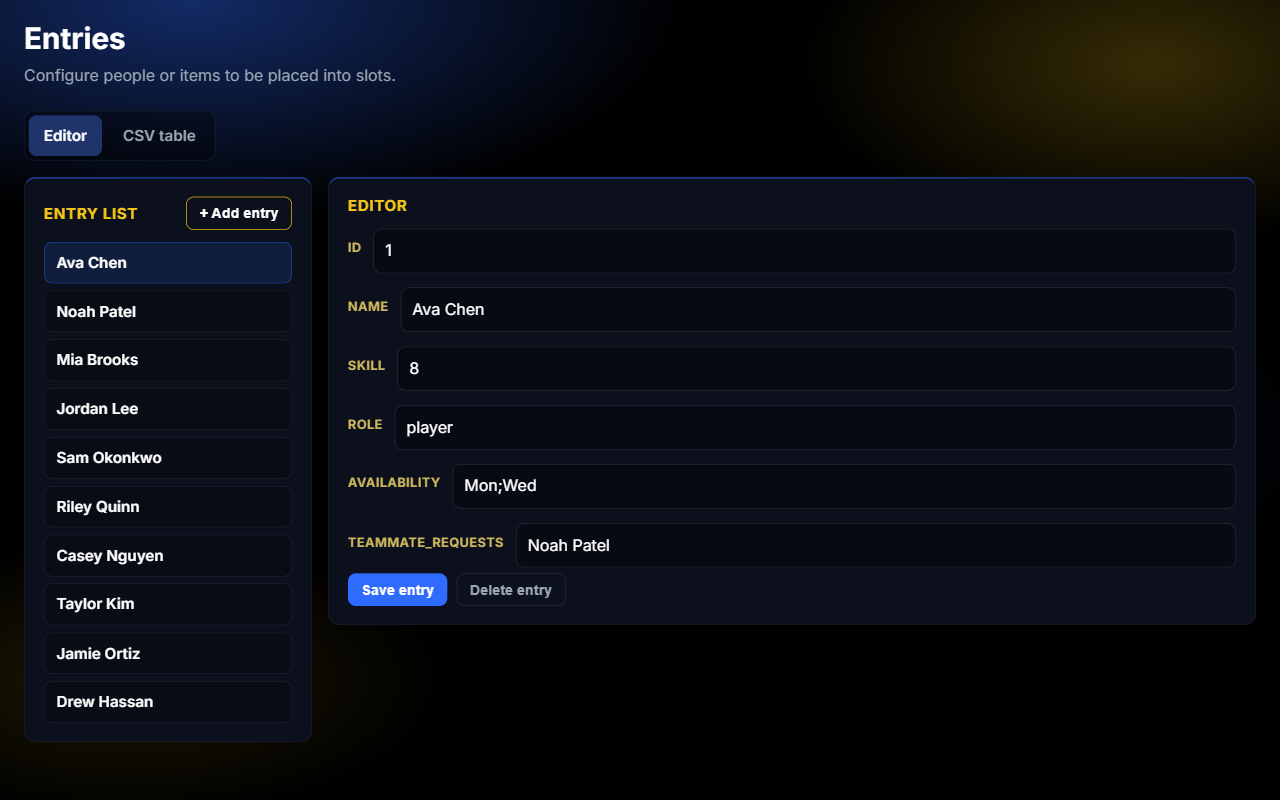
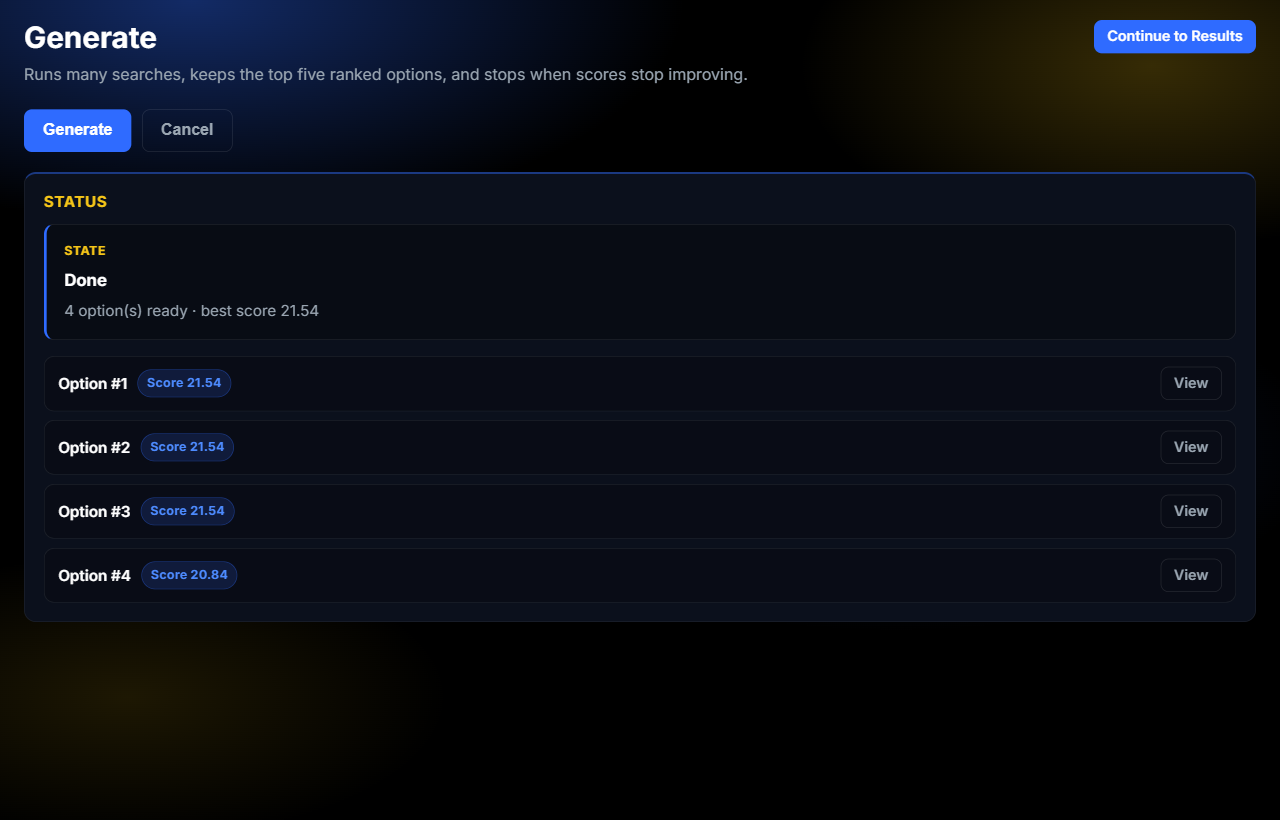
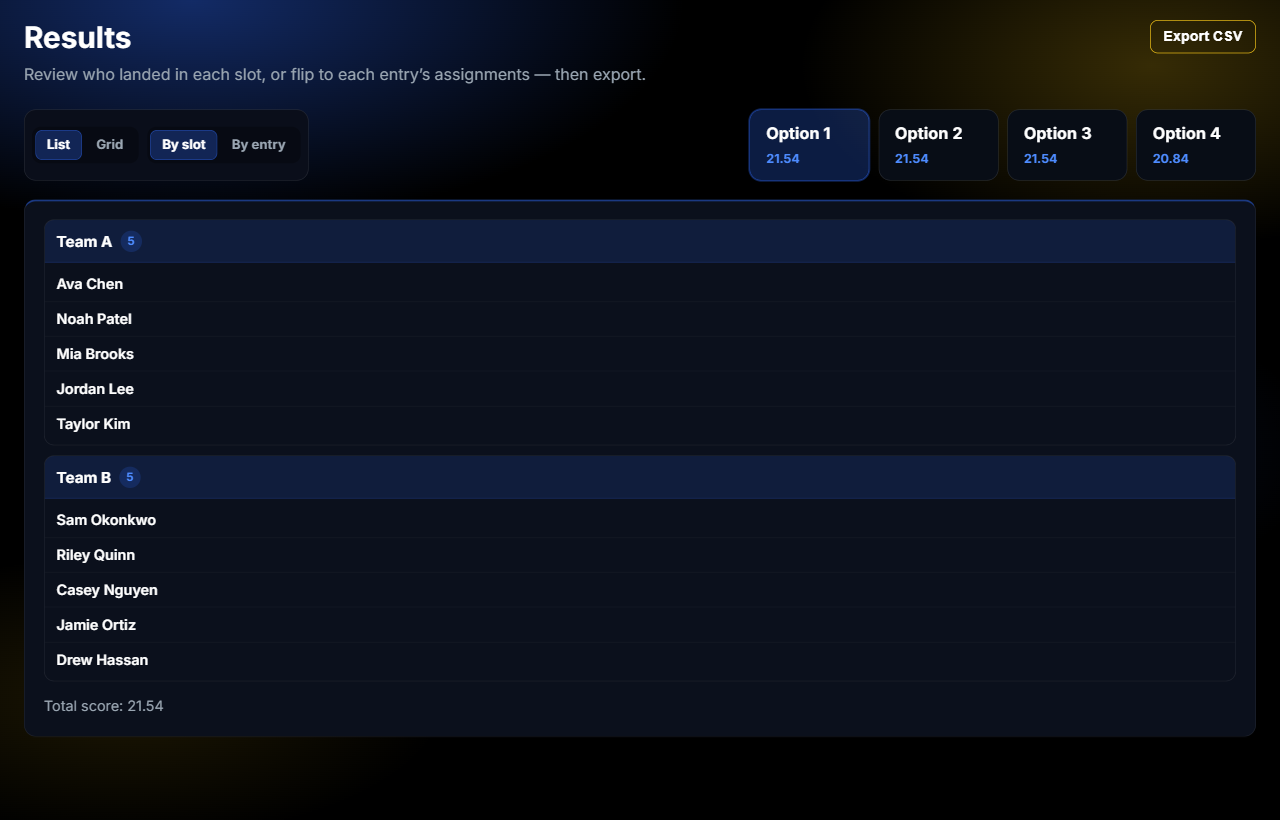
Import people and slots, set priorities, generate assignments, review what was traded off, and export when it feels right.
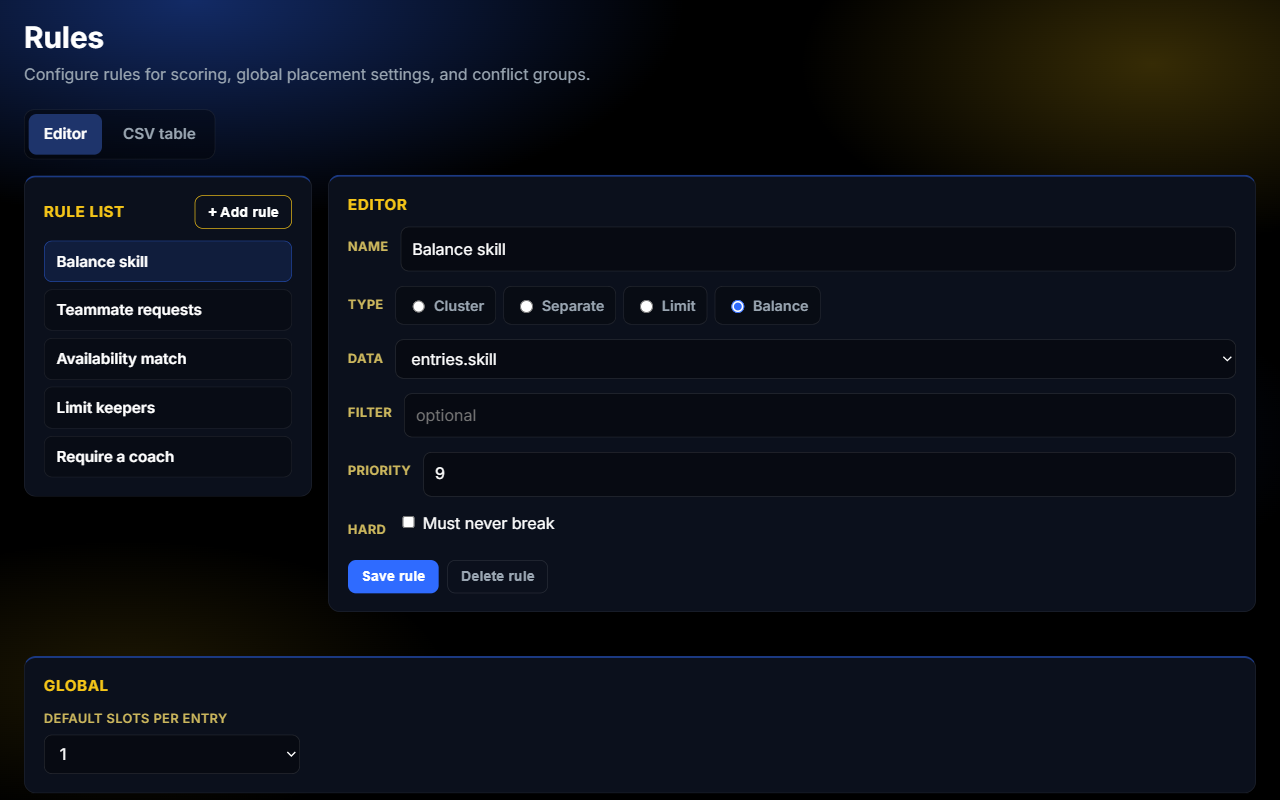
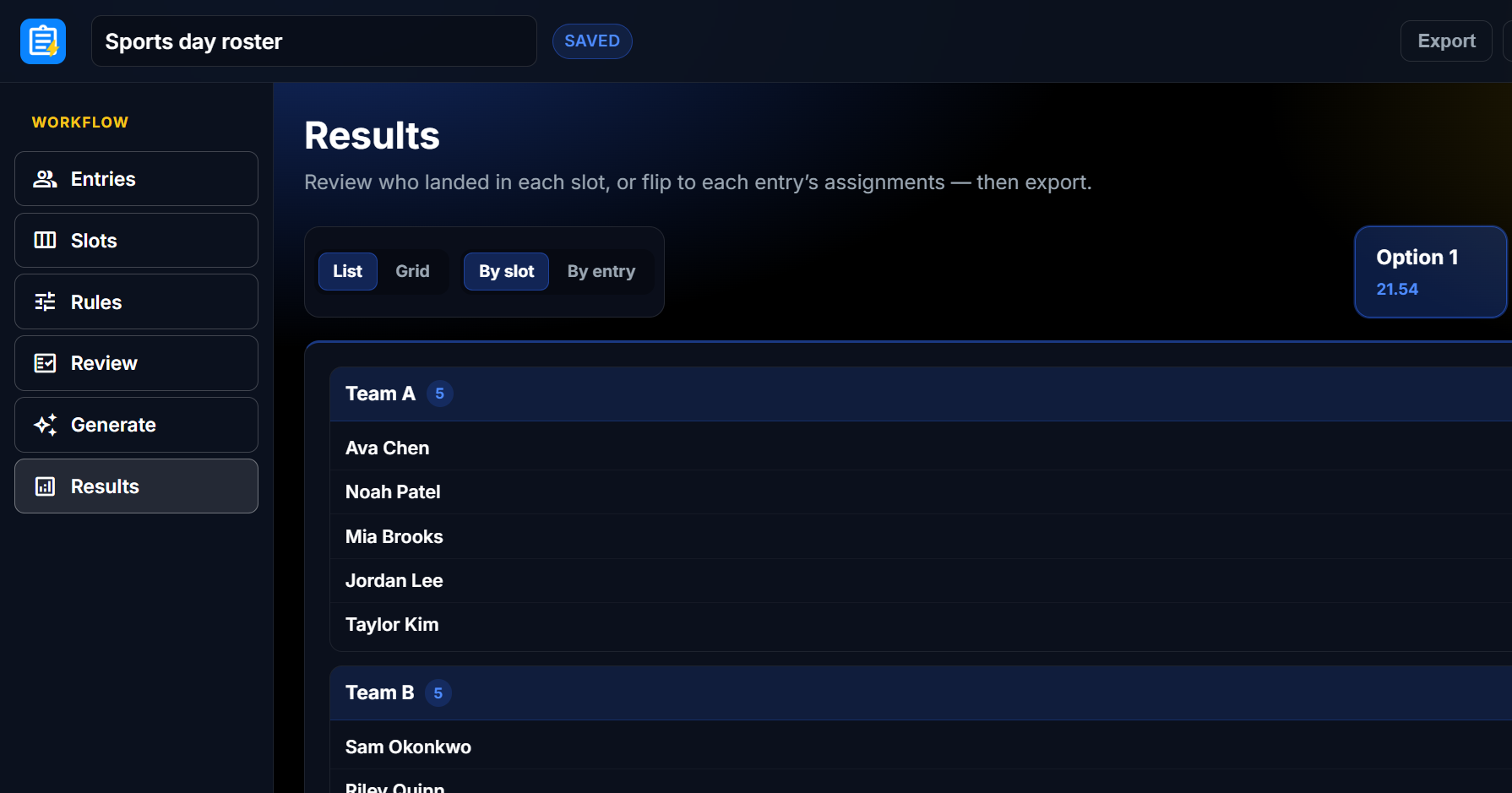
See it in the product
Setup, rules, generate, and results — one workspace for every kind of roster.
Ready to stop wrestling the spreadsheet?
The workspace is coming soon. For now, read about the project or reach out with questions.